Cloister for iPhone and iPad
The app and site blocker for iPhone and iPad
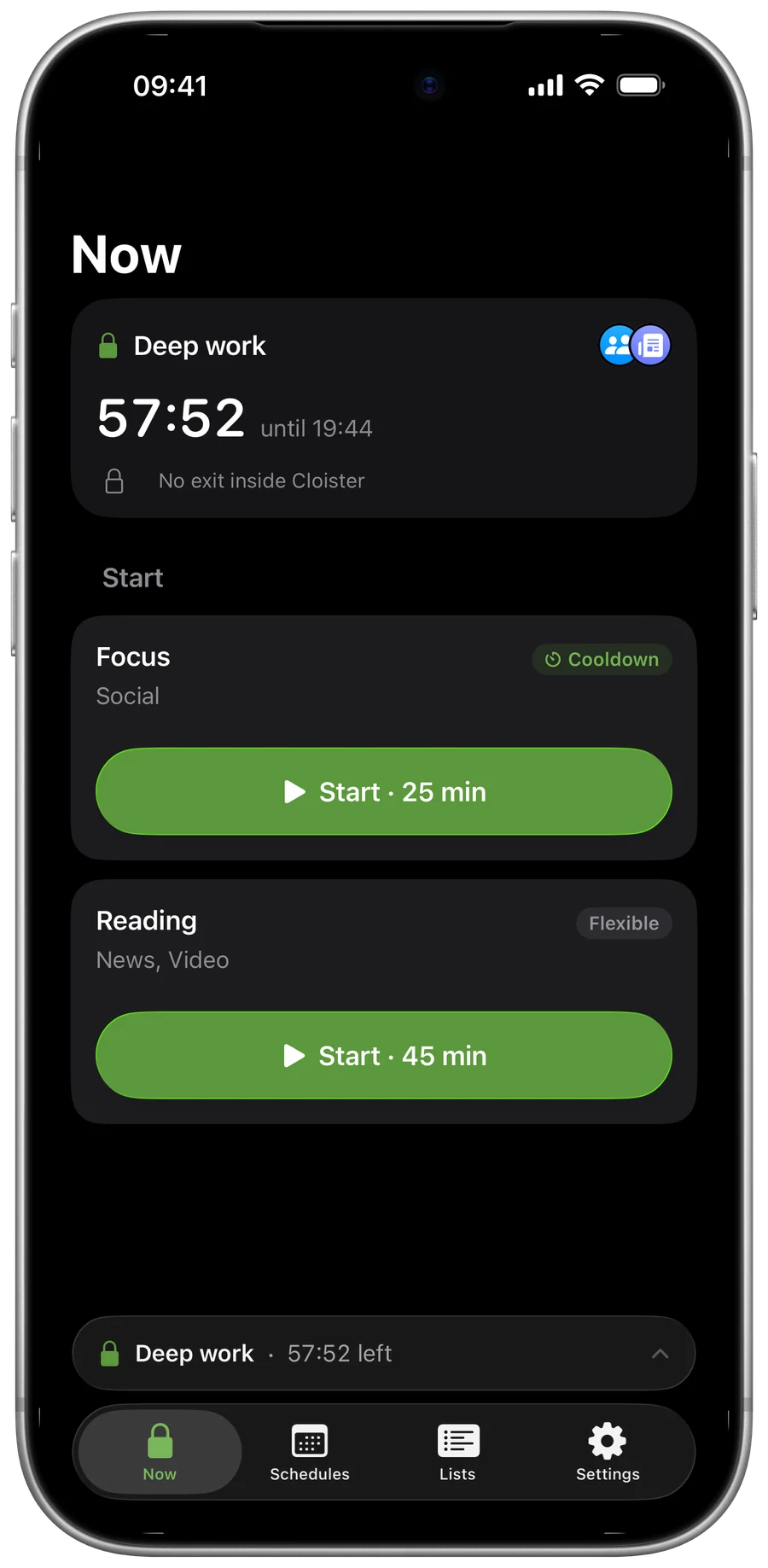
Stop doomscrolling. Cloister blocks the apps, app categories and websites that pull you away, through Apple’s Screen Time. A block starts on a schedule or when you tap Start, and ends the way you chose for it: Flexible, Cooldown or Strict. No account, no tracking.


Free to download, blocking needs Cloister Pro · Subscription or one-time Lifetime · iOS and iPadOS 26 or later · Optimized for iPhone Duo
Looking for the Mac app?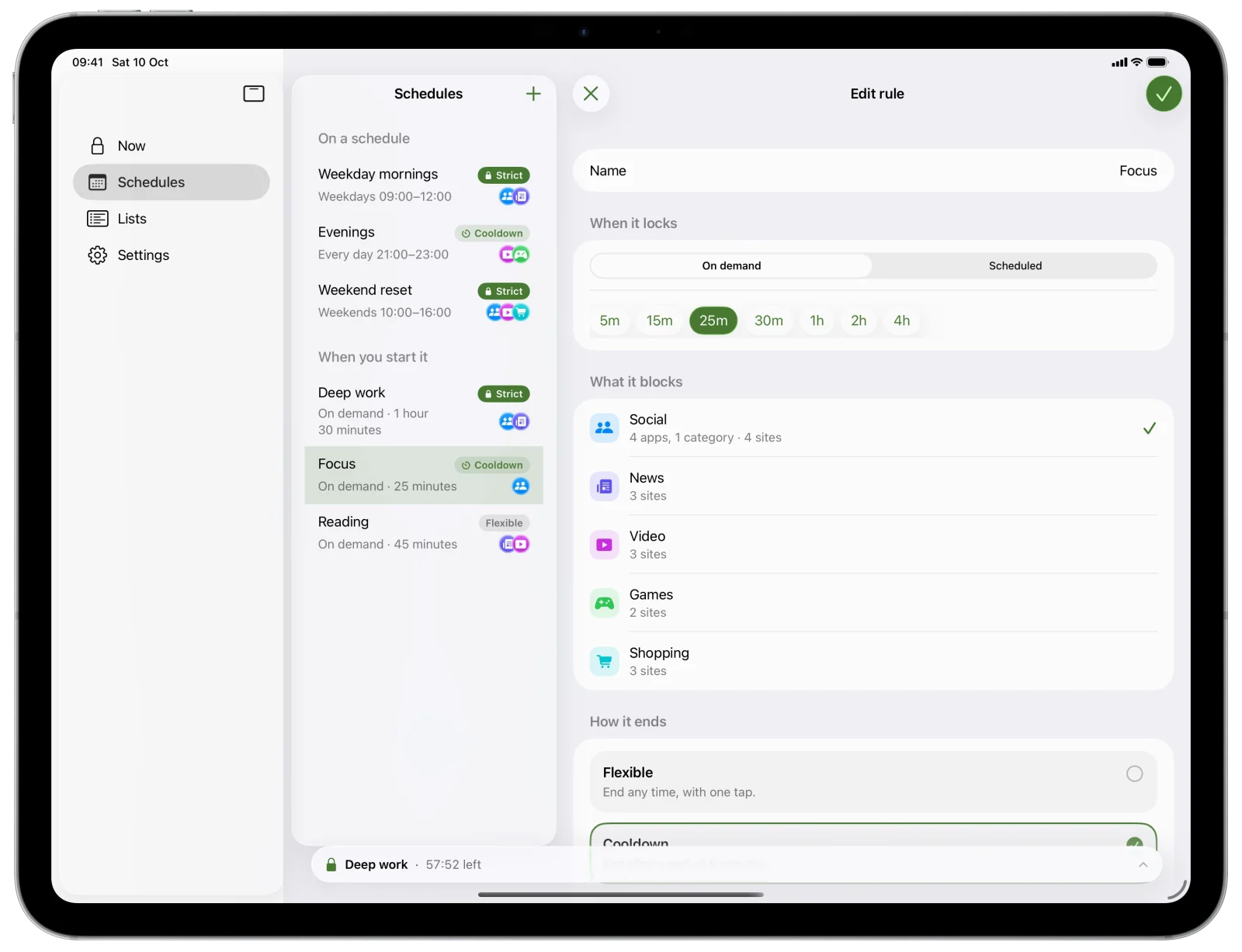
New in Cloister 1.2
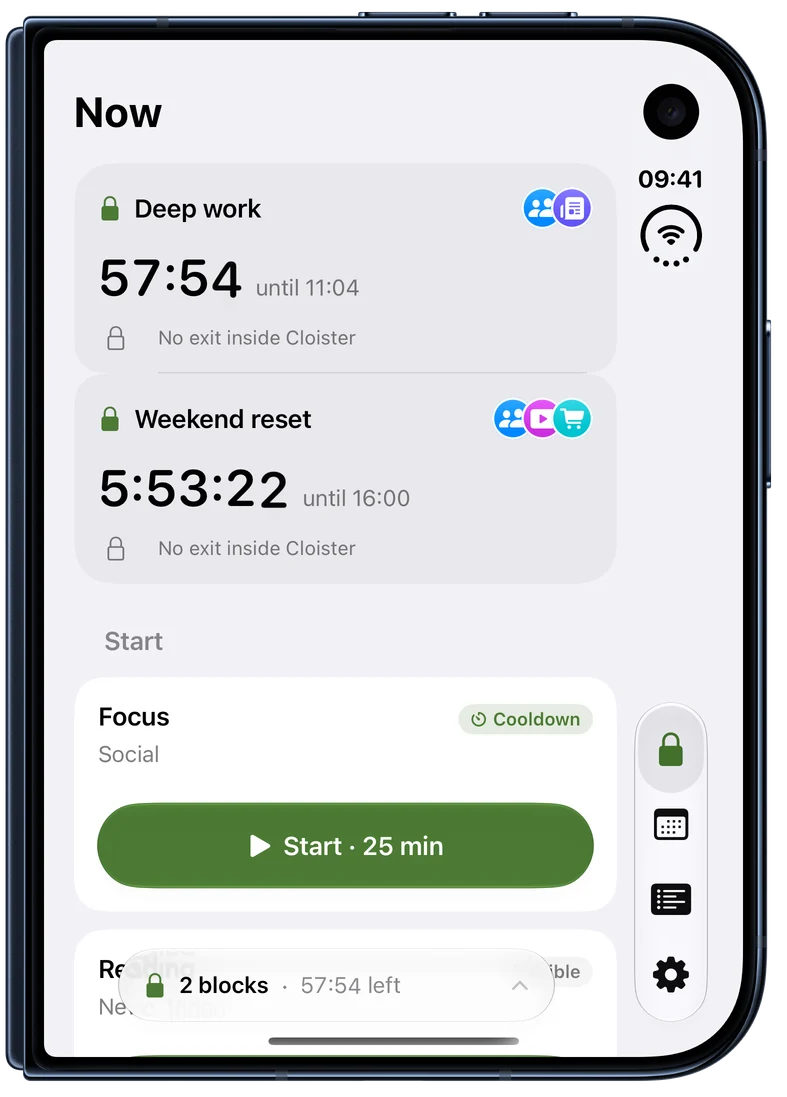
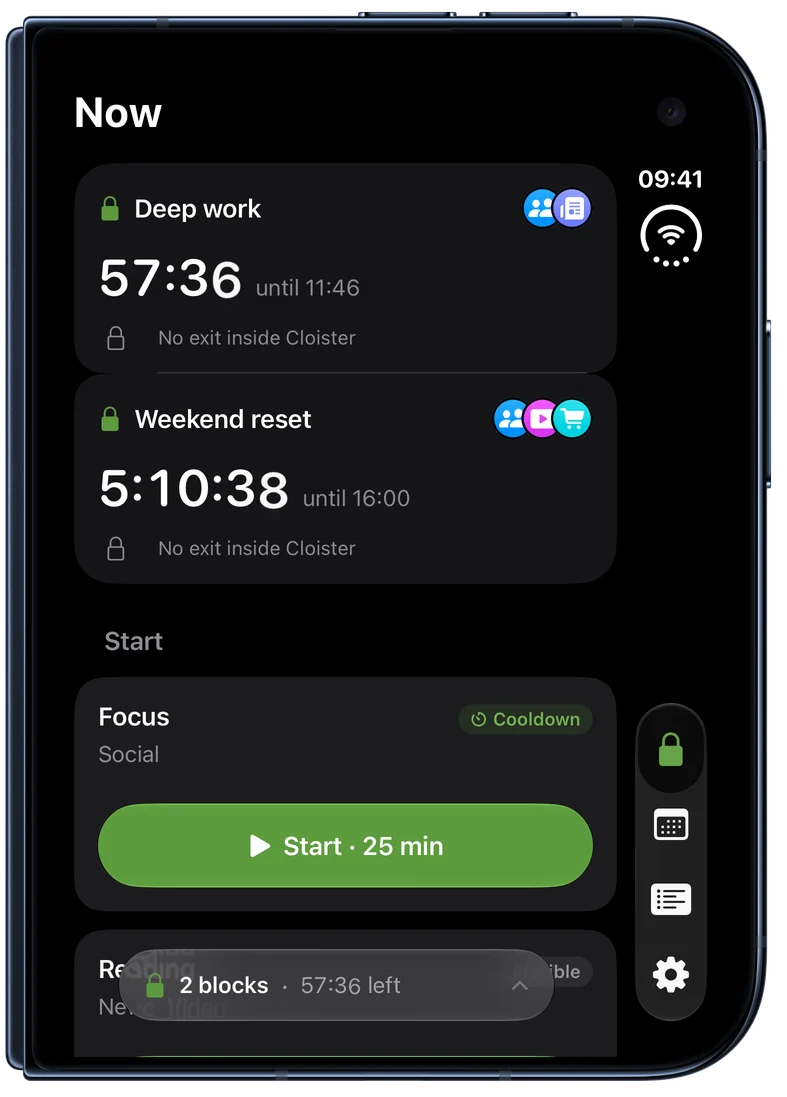
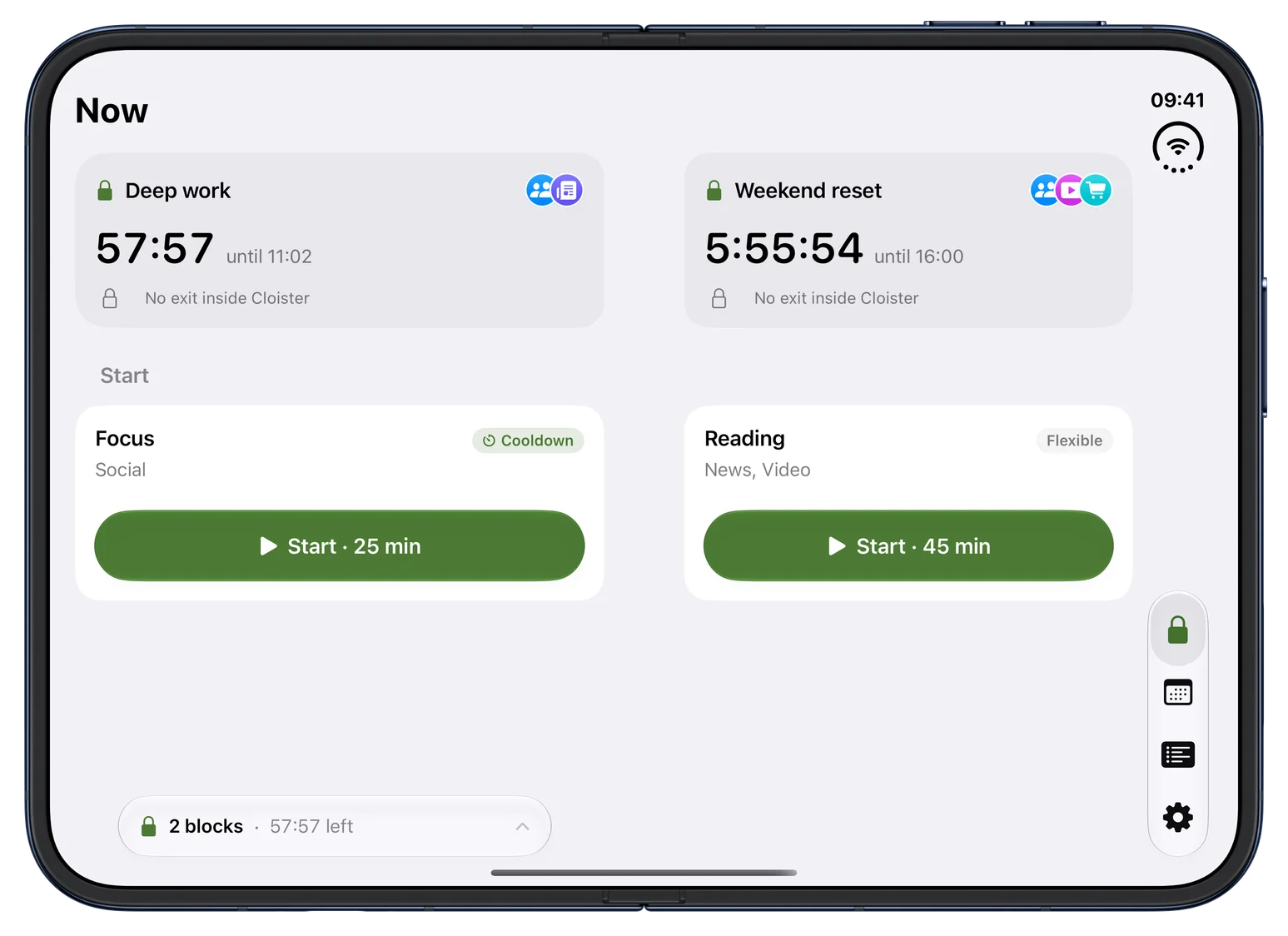
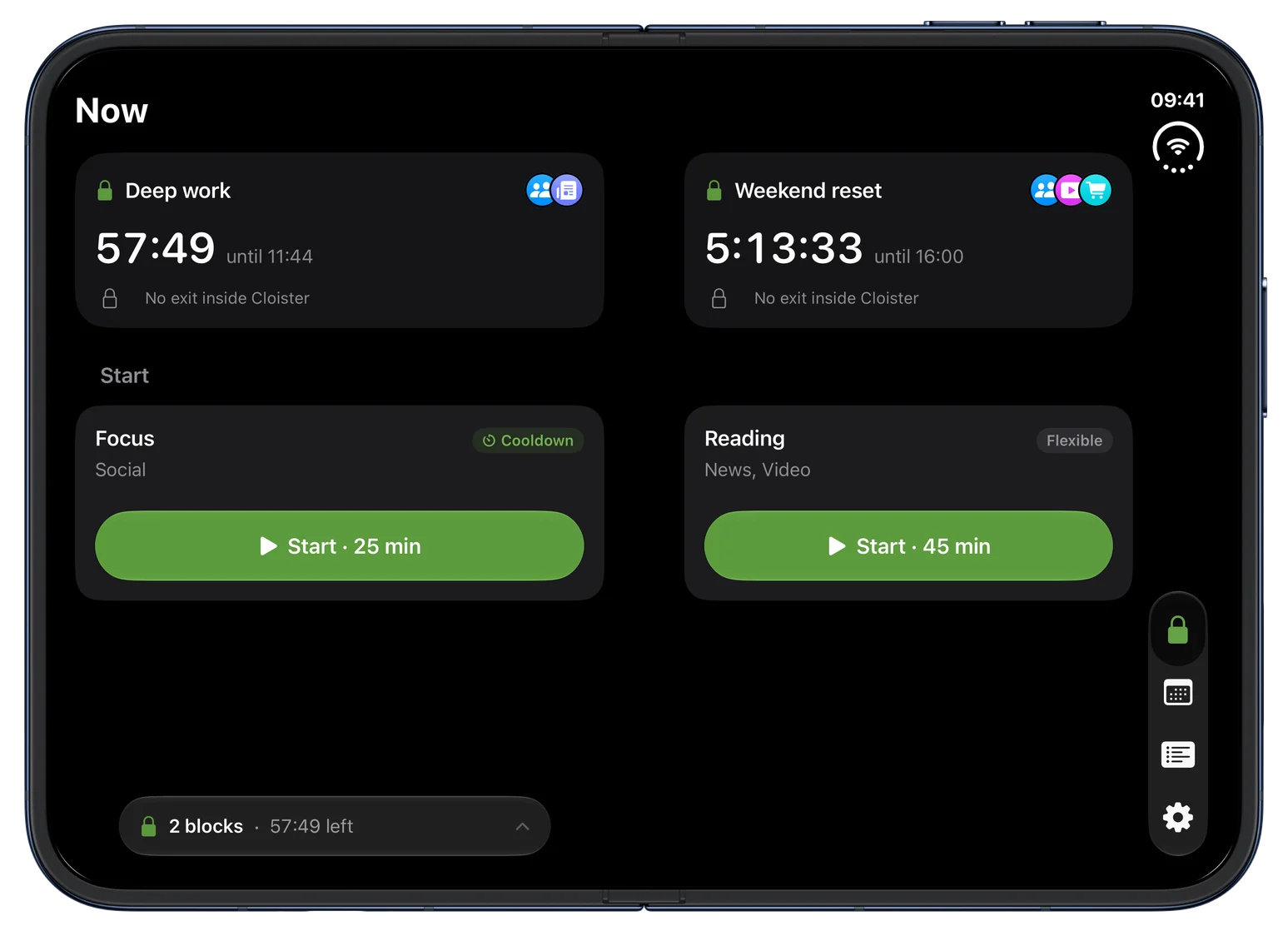
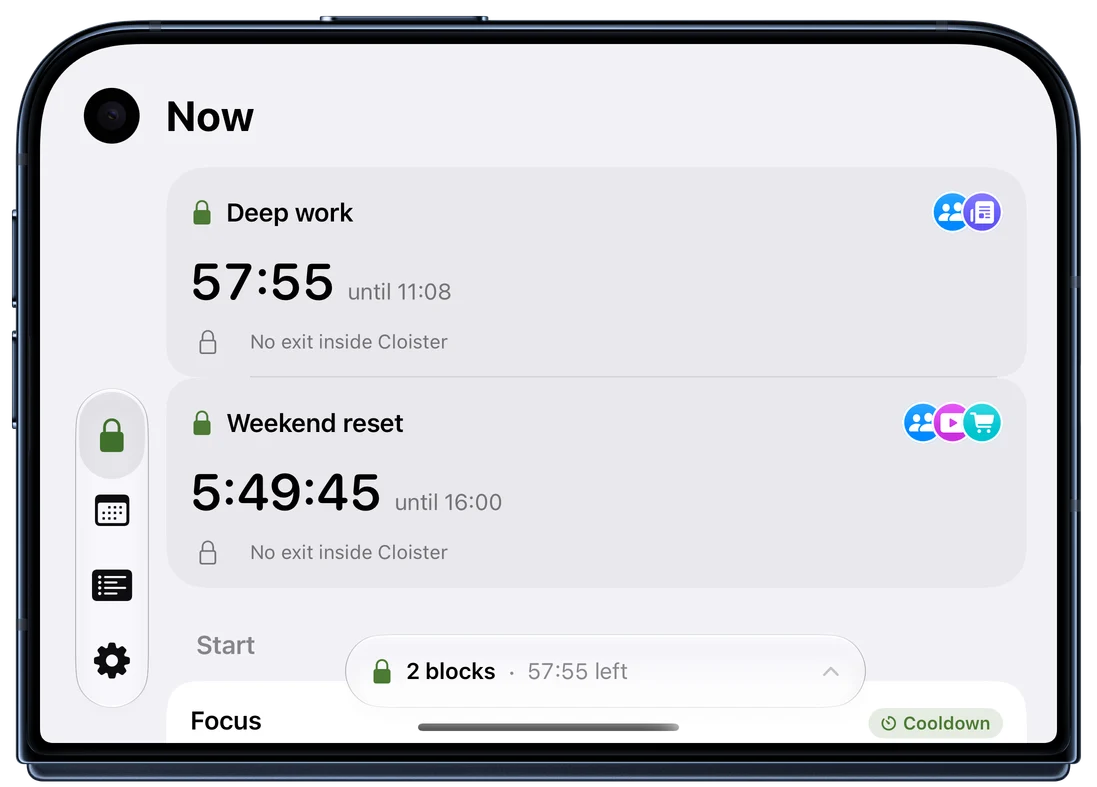
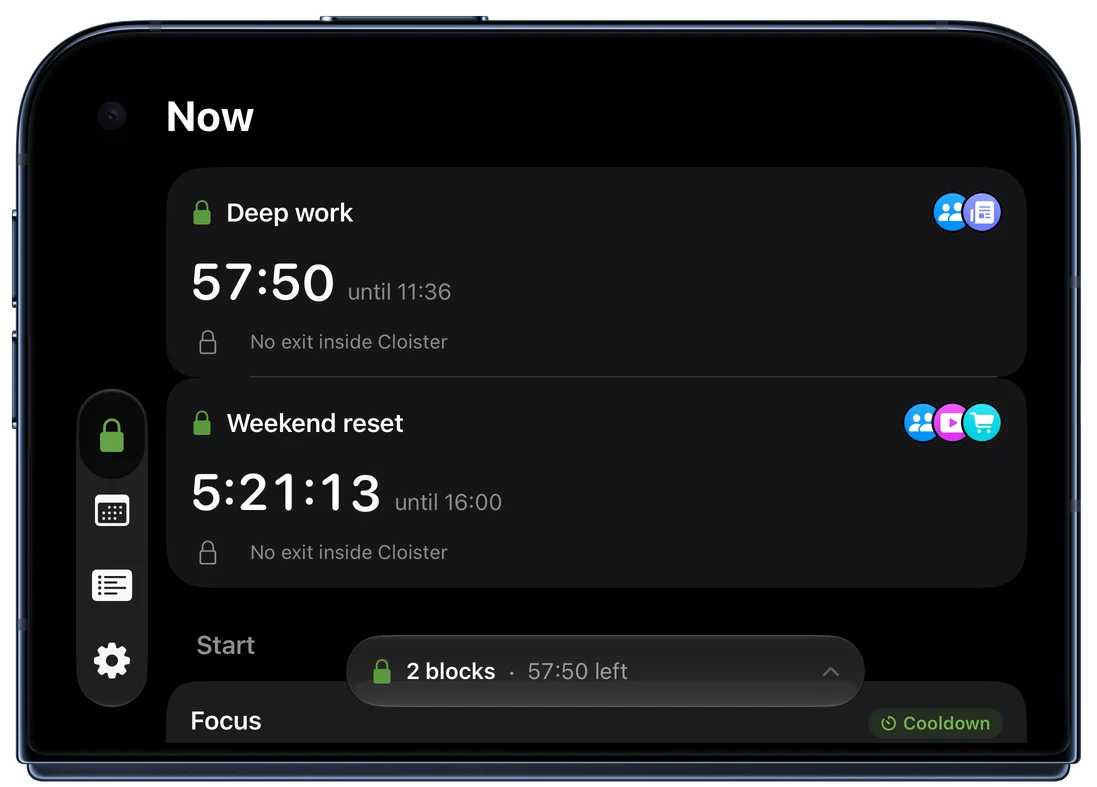
Made for iPhone Duo
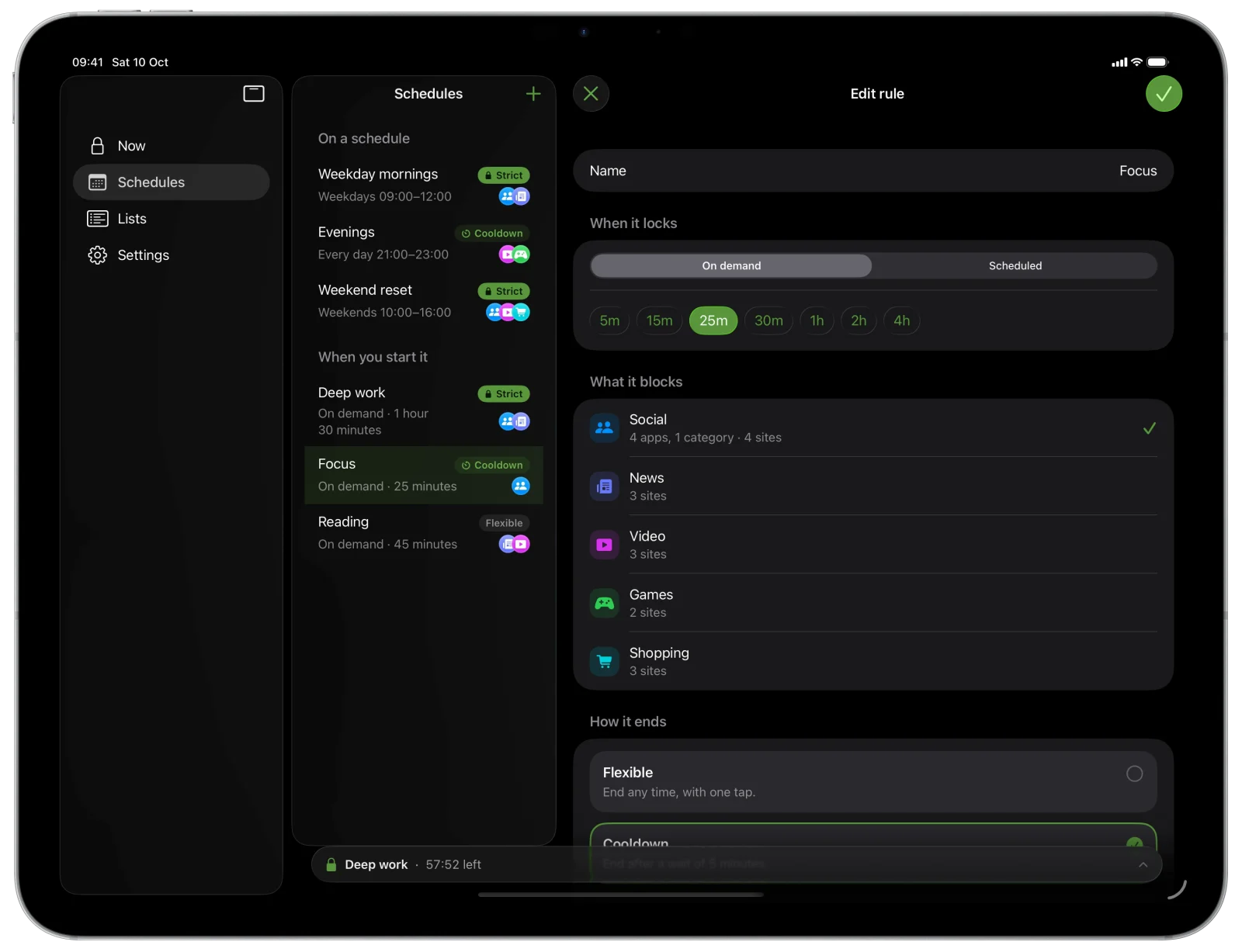
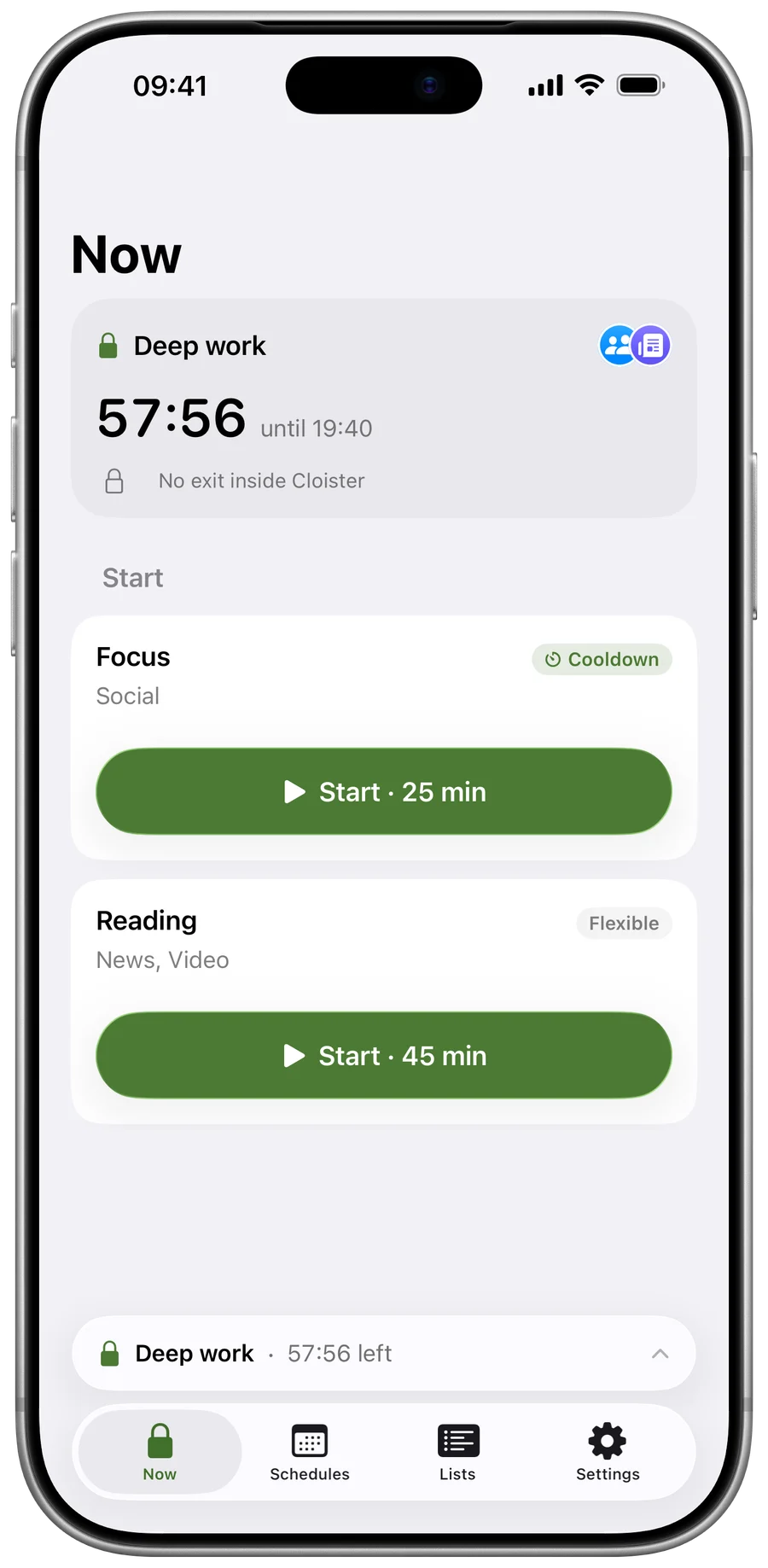
Cloister works on both displays, closed or open, in every pose and in Split View. Open it like a book, and your blocks sit on either side of the fold.
Pick what and when
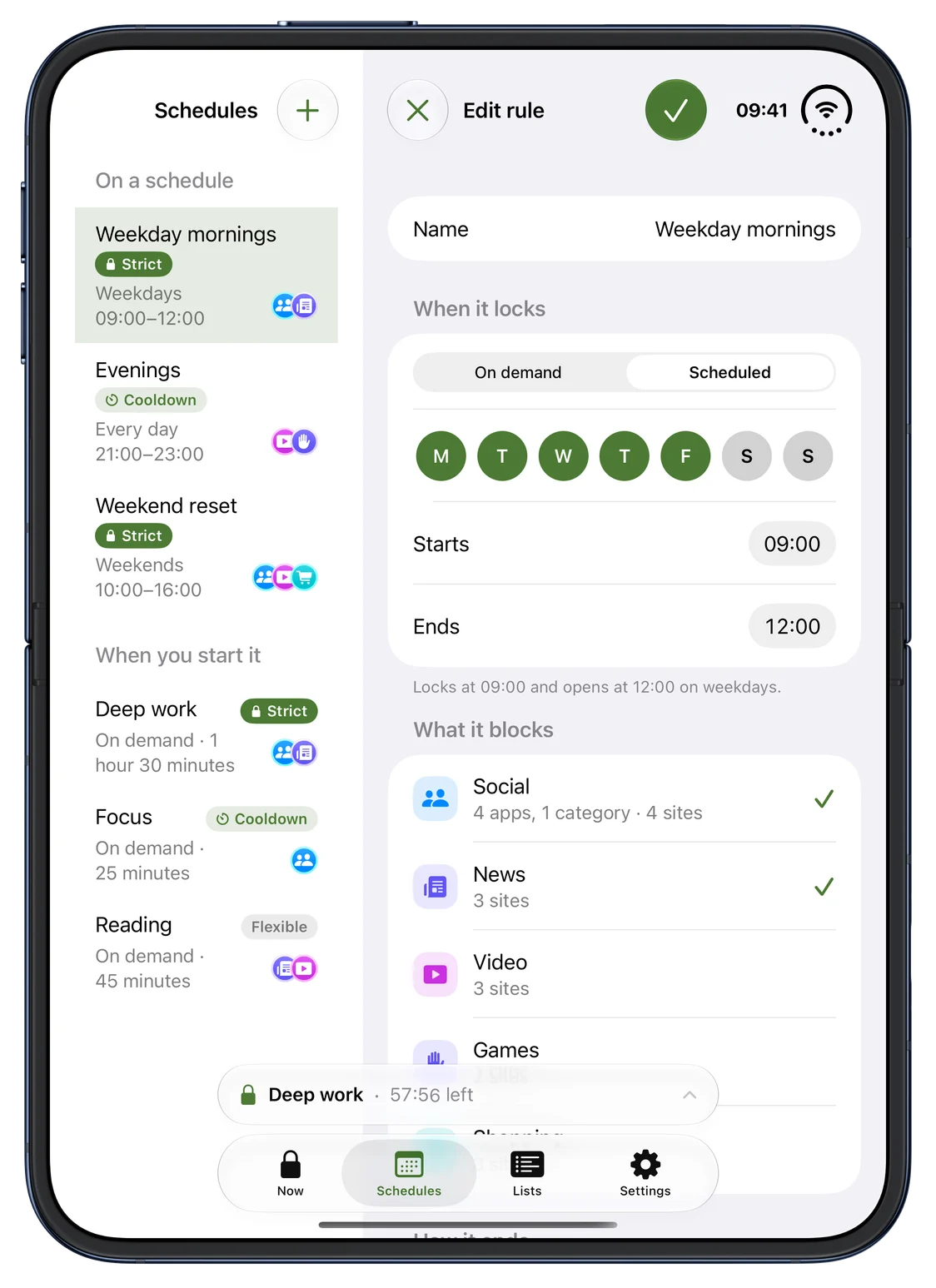
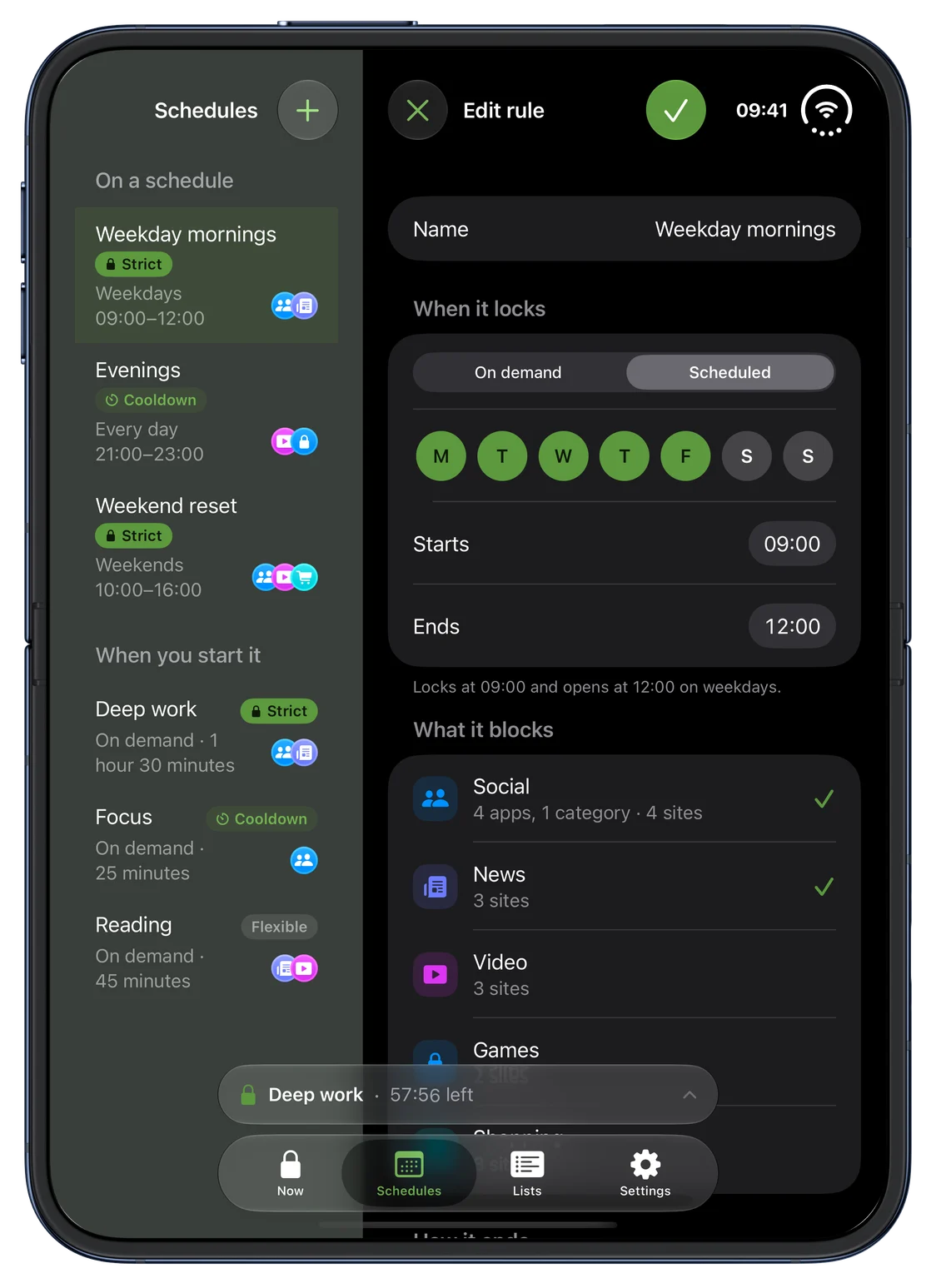
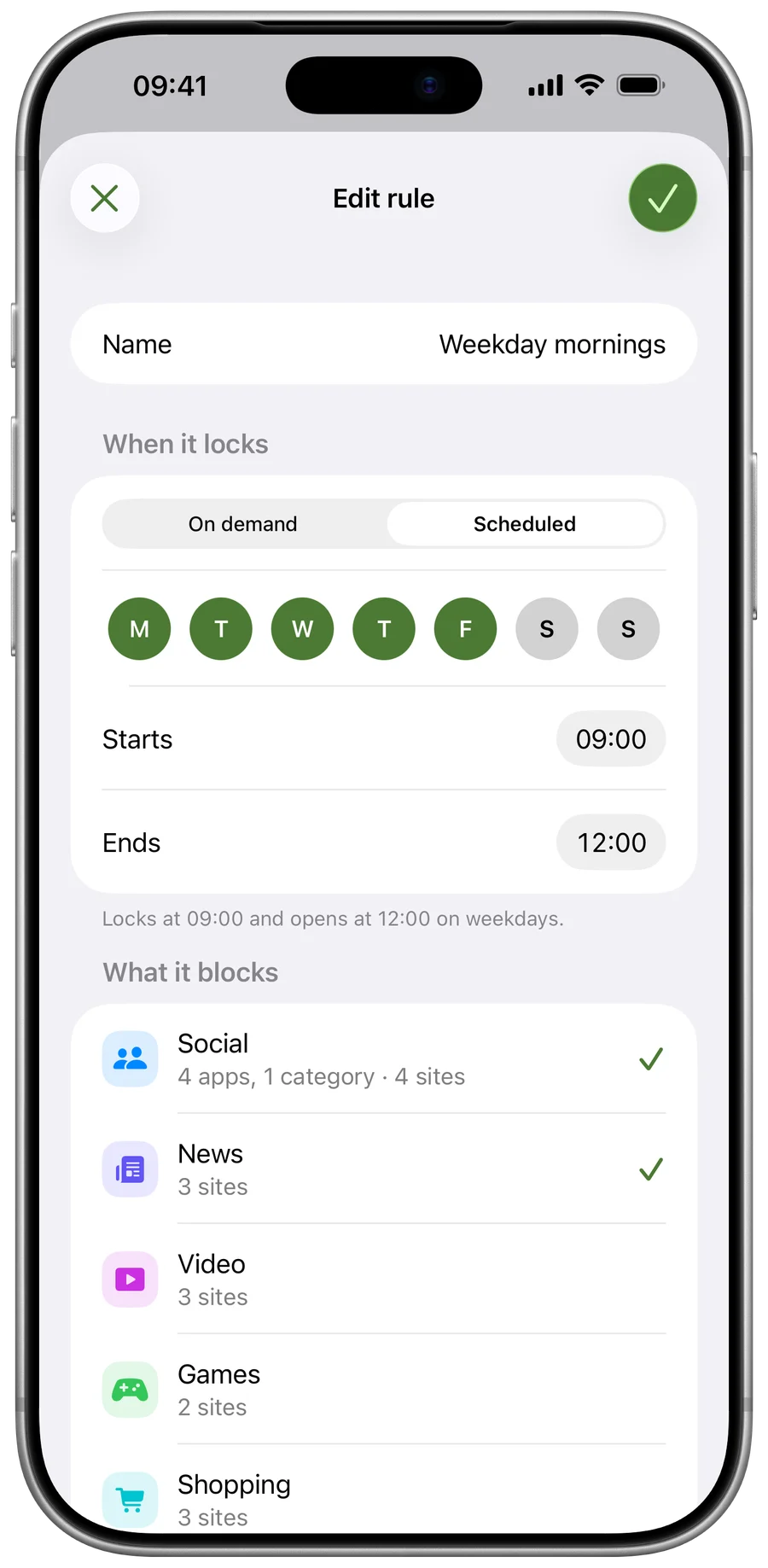
Block apps, whole app categories and websites
Pick social media, videos, games or any other app, a whole app category, or websites.
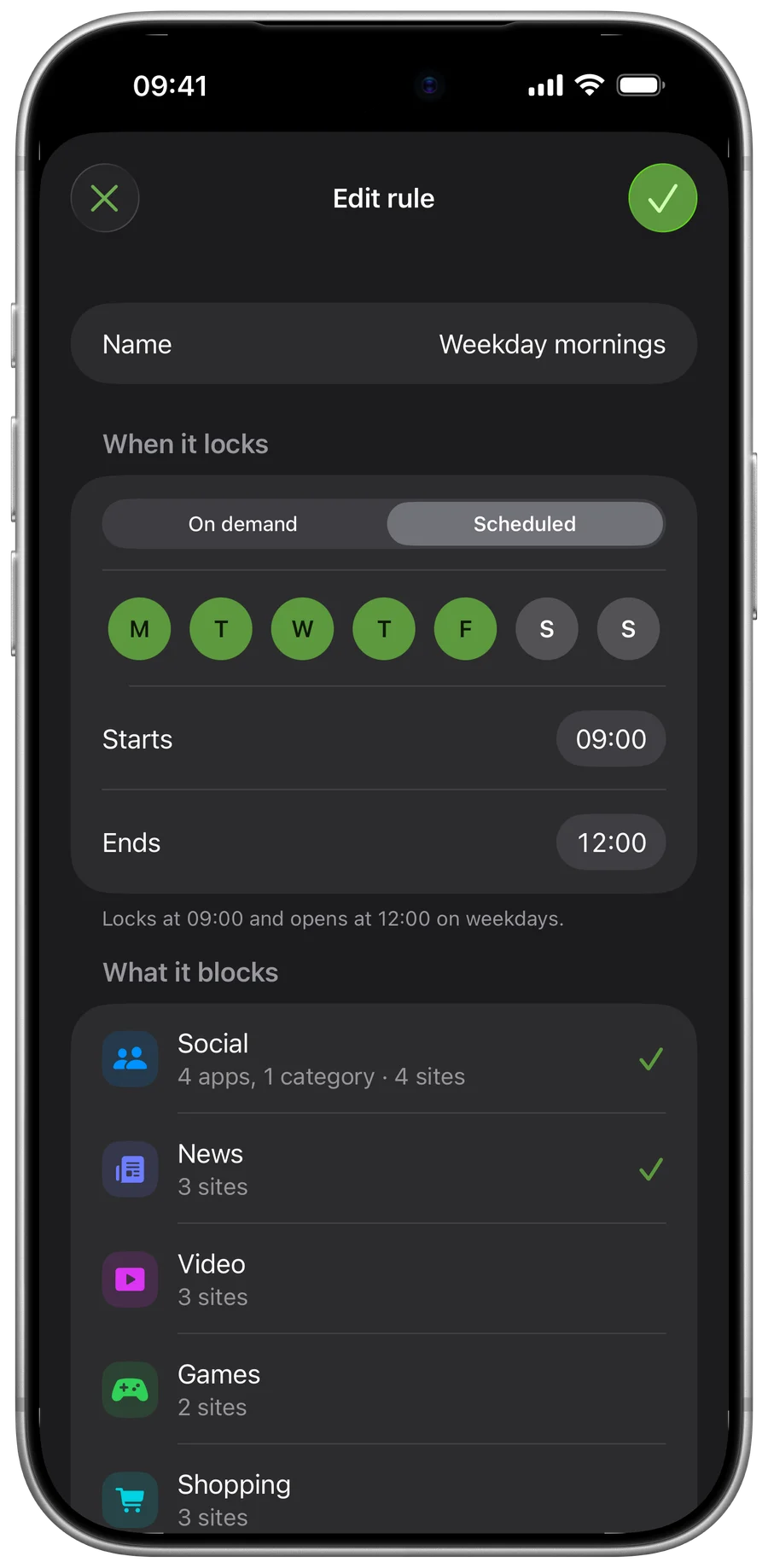
On a schedule, or when you tap Start
A schedule starts on its own, such as weekdays from 9 to 5. A rule without a schedule waits until you tap Start.
Your own lists
Group what distracts you into lists, and pick the lists a rule blocks.
Choose how each block ends
When you set up a rule, you choose how its block may end.
- Flexible
- A Flexible block ends with one tap.
- Cooldown
- A Cooldown block can end early after a 5-minute wait, long enough for the urge to pass.
- Strict
- A Strict block has no exit inside Cloister and runs to its end. iOS still keeps ways out that no app can remove: turning off Cloister’s Screen Time access in Settings is one. It ends Cloister’s blocks, and Cloister records that it happened the next time it runs.
Blocking depends on Screen Time working as Apple provides it. If Apple changes it, Cloister’s blocking may change with it.
While a block runs
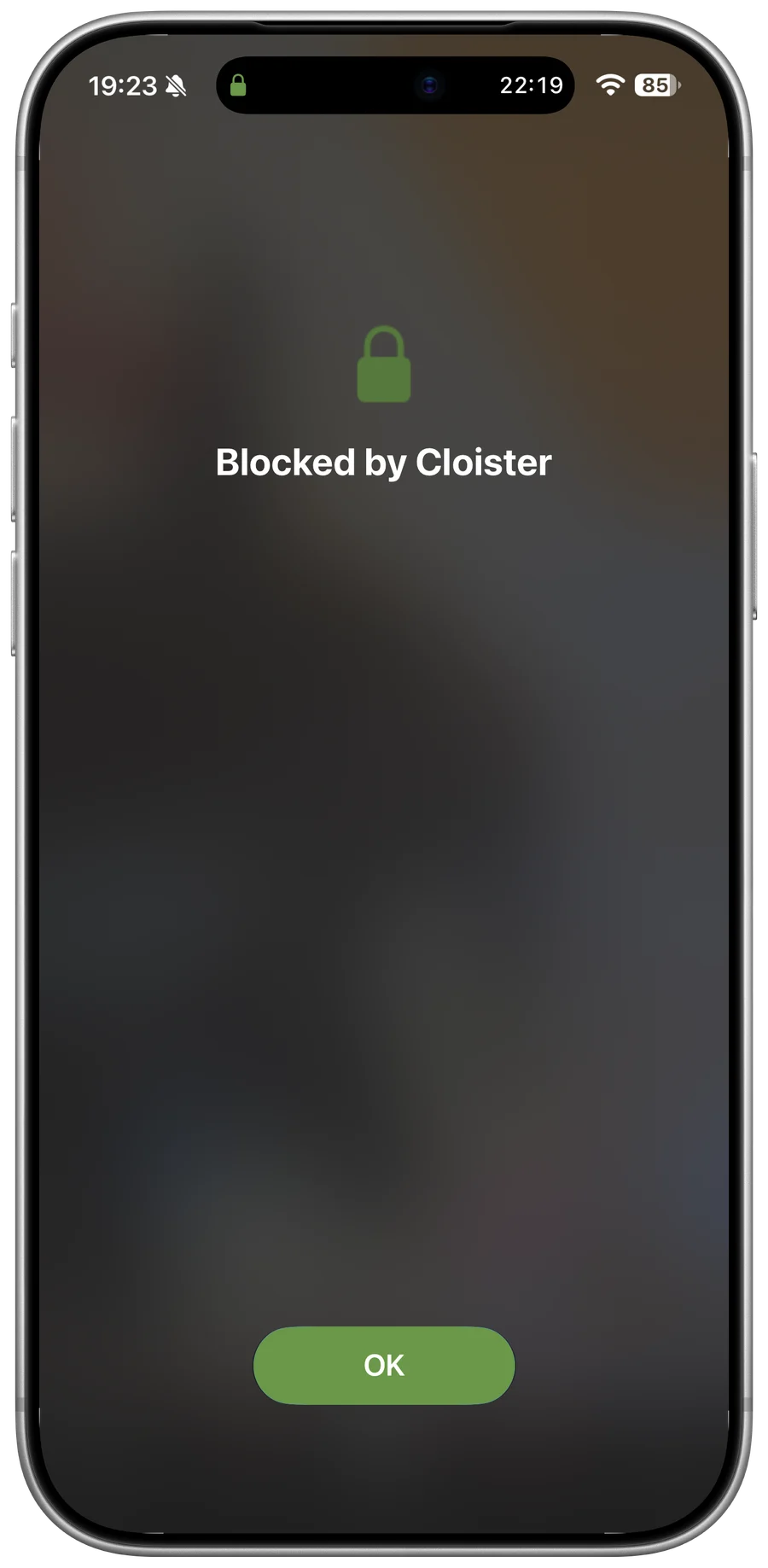
When you open a blocked app, Cloister’s shield covers it.
A Cloister block can also stop apps from being deleted while it runs.
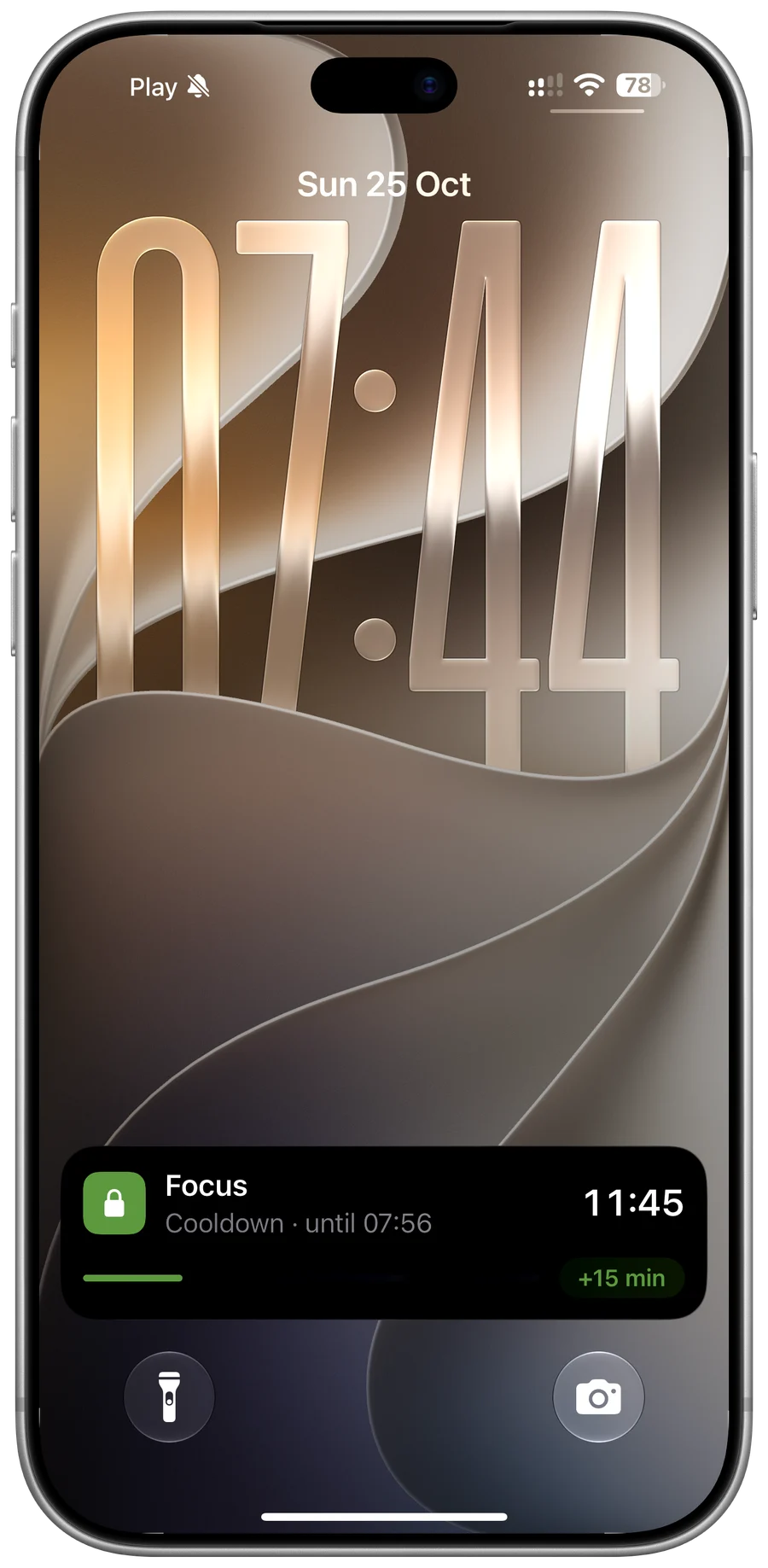
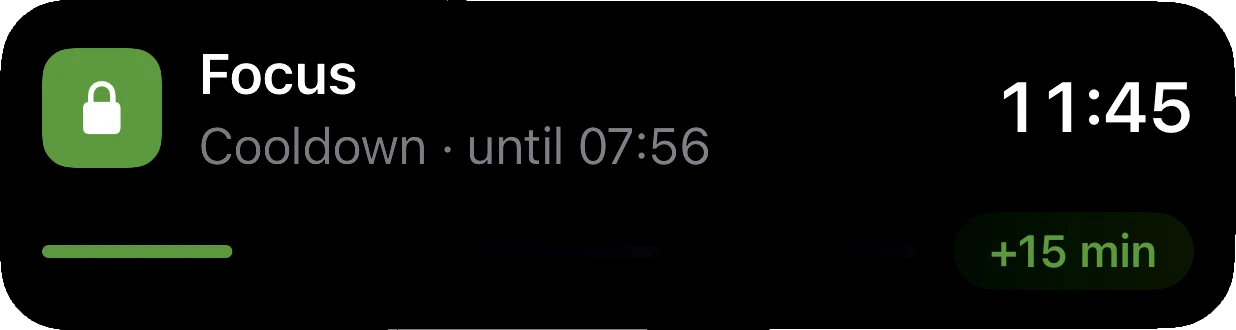
A running Cloister block shows on the Lock Screen and in the Dynamic Island.
New in Cloister 1.3
One press of Cloister’s control starts a block from Control Center, the Lock Screen or the Action Button, Strict ones included.
New in Cloister 1.3
To keep going, add 15 minutes, 30 minutes or an hour to a running block in Cloister, or 15 minutes from its Live Activity, up to 24 hours in all. Added time only moves the end later, so a Strict block can take it too.
If you allow notifications, Cloister tells you a minute before a schedule starts and when a block ends.
Private by design, on Apple’s Screen Time
Cloister uses Apple’s Screen Time. What you block, and when, stays on your device.
No account
No sign-up, no analytics and no tracking in the app.
Apps as tokens
The apps you pick reach Cloister only as Screen Time tokens it cannot turn into names.
On your device
Your rules, lists and history stay on the device, with no iCloud sync. Deleting the app deletes them.
Works offline
After its first check, blocking works offline.
The privacy policy says what Apple and RevenueCat receive when you buy Cloister Pro and when the app checks it.
Questions
- Does it work on iPad and iPhone Duo, and on both my devices?
- Yes. Cloister: App & Site Blocker runs on iPhone, iPhone Duo and iPad with iOS or iPadOS 26 or later, and on iPhone Duo it works on both displays, closed or open. Restore purchases, in Cloister’s Settings, brings Cloister Pro back on any iPhone or iPad signed in to the Apple Account you bought it with. Your rules and lists stay on the device you made them on, with no iCloud sync.
- What happens if I turn off Cloister’s Screen Time access?
- Turning off Cloister’s Screen Time access in Settings ends its blocks, Strict ones included, and Cloister records that it happened the next time it runs. It is one of the ways out that iOS keeps and no app can remove.
- What does Cloister Pro cost, and does Lifetime replace a subscription?
- The App Store shows each price in your currency before you buy. Cloister Pro is a yearly or monthly subscription, or a one-time Lifetime purchase. Buying Lifetime doesn’t cancel a subscription or a free trial: cancel it in Settings, under your name, then Subscriptions, so it doesn’t renew.
Free to download. Blocking needs Cloister Pro.
Making lists and rules is free, but running blocks needs Cloister Pro: a yearly or monthly subscription, or a one-time Lifetime purchase. The yearly subscription may start with a free trial if you are eligible.
The App Store shows each price in your currency before you buy, and Apple handles payment, renewals and refunds.
A separate app from Cloister for Mac
Cloister for Mac is a one-time purchase on this site; the iPhone and iPad app is bought in the App Store. The two don’t share lists or sessions.
Restoring, cancelling and refunds
Restore purchases, in Cloister’s Settings, brings Cloister Pro back on any iPhone or iPad signed in to the Apple Account you bought with. You cancel a subscription in Settings, under your name, then Subscriptions. The support page has the rest.
Coming from Opal?
What changes, and how to move, quoted from Opal’s own pages.
Last updated